




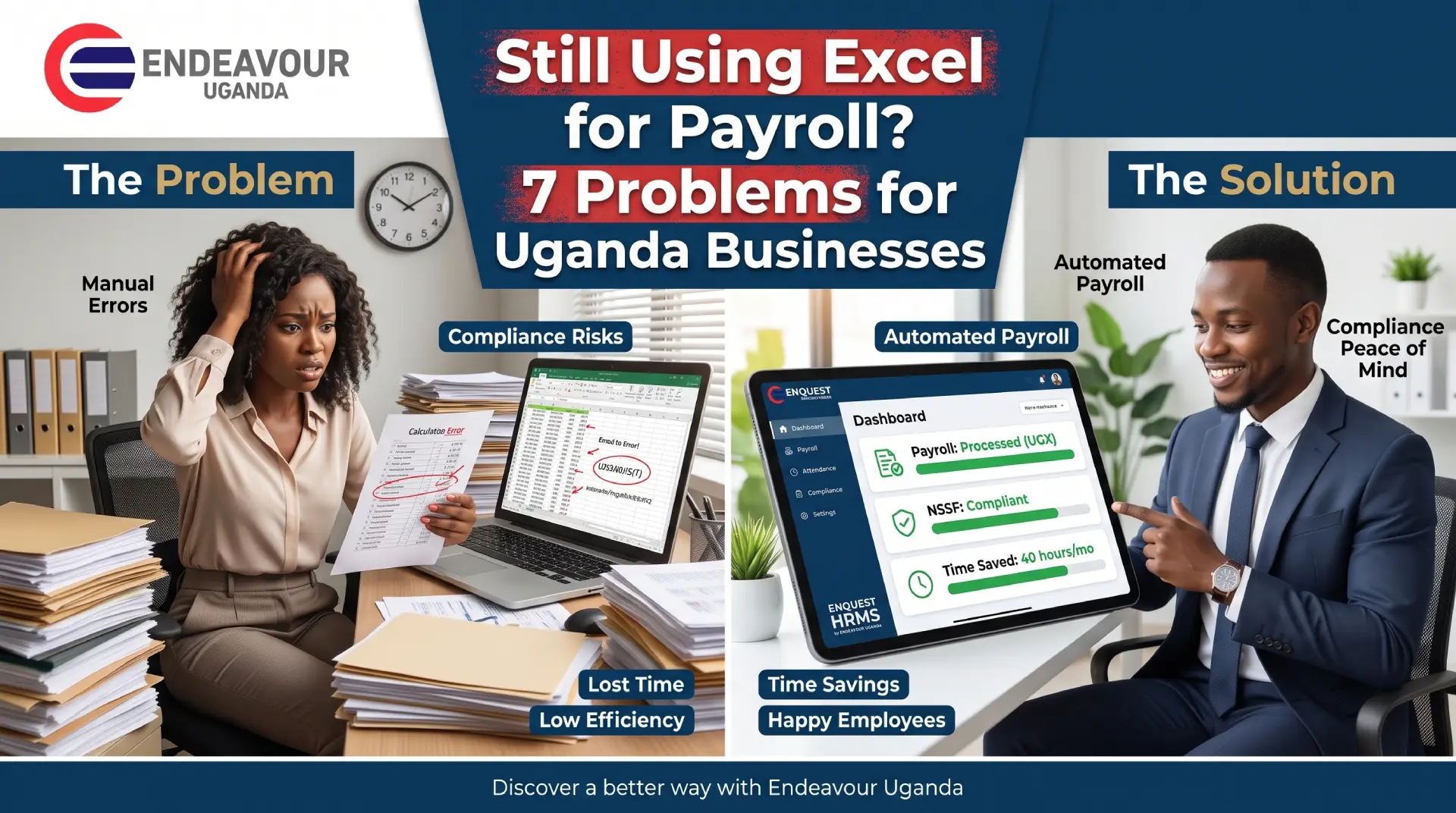
Payroll is one of the most important responsibilities in any business.
Employees expect their salaries to be calculated correctly and paid on time. Management expects accurate payroll reports. Finance teams need reliable salary information, while HR needs accurate employee records, attendance, leave and overtime data.
Yet many businesses still manage payroll using Excel spreadsheets.
Excel can be useful for simple calculations and small datasets, but as your workforce grows, managing payroll manually can become increasingly difficult. Multiple spreadsheets, manual data entry, attendance records, leave information, overtime calculations and salary adjustments can create opportunities for mistakes.
For growing businesses in Uganda, moving from spreadsheets to a dedicated payroll management system can help create a more structured and connected payroll process.
Enquest HRMS by Endeavour Uganda brings HR management, payroll, attendance and employee information together in one platform, helping businesses reduce dependence on manual HR and payroll processes.
In this article, we look at 7 common problems businesses may face when using Excel for payroll and why payroll software Uganda solutions are becoming an important part of modern workforce management.
1. Manual Data Entry Can Lead to Payroll Errors
One of the biggest challenges with Excel payroll is the amount of manual data entry involved.
HR or finance teams may need to enter or update:
- Employee salaries
- Allowances
- Deductions
- Overtime
- Leave days
- Absences
- Attendance information
- Bonuses
- Loans and advances
- Tax-related information
- Salary adjustments
When information is entered manually, even a small mistake can affect an employee’s final salary.
For example, entering the wrong number of overtime hours or accidentally changing a formula can result in an incorrect payroll calculation.
Why Payroll Automation Matters
A modern payroll management system can reduce repetitive manual calculations by allowing employee information and payroll data to be managed systematically.
With Enquest HRMS by Endeavour Uganda, businesses can bring important employee and payroll information into a centralized HR environment rather than depending entirely on separate Excel spreadsheets.
For businesses searching for payroll software Uganda, the goal is not simply to replace Excel. It is to create a more organized payroll process where employee information, attendance and payroll data can work together.
2. Attendance and Payroll Data May Become Disconnected
Payroll is closely connected to employee attendance.
If your employees work different shifts, overtime hours or schedules, payroll calculations may depend on accurate attendance information.
When attendance is maintained separately from payroll, HR teams may have to manually transfer information from one spreadsheet or system into another.
This can create problems such as:
- Incorrect working hours
- Missing attendance records
- Incorrect overtime
- Wrong leave deductions
- Manual reconciliation
- Duplicate data entry
Connect Attendance With Payroll
A modern attendance management system can help businesses capture workforce attendance information more systematically.
For businesses looking for time attendance software Uganda, Endeavour Uganda provides solutions that can support employee attendance, biometric data, shifts, overtime and reporting.
The Time Master software by Endeavour Uganda is designed to support workforce time and attendance management, including attendance processing, shift management, overtime reporting and biometric attendance.
When attendance and payroll processes are better connected, HR teams can spend less time manually comparing spreadsheets and more time managing employees.
3. Excel Payroll Becomes Difficult as Your Business Grows
Excel may appear manageable when a business has a small number of employees.
But what happens when the company grows?
You may suddenly have:
- More employees
- Multiple departments
- Different salary structures
- Multiple locations
- Different shifts
- More leave requests
- More overtime
- More attendance records
- More payroll adjustments
The spreadsheet that once worked for 20 employees may become difficult to manage for 100, 300 or more employees.
Growth Requires Better HR Systems
Business growth often creates a need for better human resource management software Uganda businesses can use to centralize employee information.
Instead of maintaining separate spreadsheets for employee records, attendance, leave and payroll, an HRMS Uganda solution can provide a more structured environment for managing workforce information.
The Enquest HRMS solution from Endeavour Uganda is designed to help businesses manage important HR processes from a centralized platform.
This can make it easier for HR teams to manage a growing workforce without continuously increasing their dependence on spreadsheets.
4. Excel Makes Payroll Auditing and Tracking More Difficult
Payroll information needs to be reviewed carefully.
When payroll is managed through multiple Excel files, it can become difficult to determine:
- Who changed a figure
- When a figure was changed
- Why a salary was adjusted
- Which spreadsheet contains the latest information
- Whether formulas were changed
- Whether old records were overwritten
This becomes particularly challenging when several people are involved in payroll processing.
Centralized Payroll Information
A dedicated payroll software platform can provide a more structured way of managing payroll information and generating reports.
Businesses can also benefit from clearer processes around employee records, payroll calculations and approvals.
For organizations that want a dedicated payroll solution, Pay Master Payroll Software by Endeavour Uganda can be considered as part of a broader payroll automation strategy.
The objective is to make payroll information easier to manage, review and report rather than depending on increasingly complicated spreadsheet files.
5. Overtime and Leave Calculations Can Become Complicated
Overtime is another area where spreadsheet-based payroll can become challenging.
Consider an organization where employees work:
- Different shifts
- Different working hours
- Weekends
- Public holidays
- Additional overtime
- Different departments
- Different locations
HR may need to calculate overtime manually before adding it to payroll.
Leave can create another layer of complexity.
HR teams may need to track annual leave, sick leave, permissions and other employee absences before determining their impact on payroll.
Integrating Time, Leave and Payroll
This is where employee time tracking software and integrated HR solutions can make a difference.
A workforce management platform can help HR teams organize attendance, leave, shifts and overtime information more systematically.
For example, Time Master supports attendance processing, shift management, overtime reporting and leave-related functions.
This can help reduce the amount of manual work involved in transferring attendance and overtime information between separate spreadsheets.
6. Excel Does Not Provide a Complete Employee Management System
Payroll is only one part of HR management.
Your business may also need to manage:
- Employee profiles
- Departments
- Designations
- Leave
- Attendance
- Recruitment
- Performance
- Training
- Payroll
- Overtime
- Employee documents
- Workforce reports
If each function is managed using different spreadsheets, HR teams can end up maintaining a large collection of disconnected files.
This can make employee management harder to coordinate.
Move From Payroll Spreadsheet to HRMS
A complete employee management software Uganda solution can bring different HR processes together.
HR software Uganda from Endeavour Uganda is designed around the broader needs of workforce management, rather than focusing only on salary calculations.
With Enquest HRMS, businesses can manage important employee processes through a centralized HR environment.
This is particularly useful for organizations looking for HR solutions Uganda businesses can use as they grow.
7. Excel Payroll Can Make Real-Time Reporting Difficult
Business leaders increasingly need access to accurate workforce information.
They may want to know:
- How many employees are currently active?
- How much is the payroll cost?
- How many employees are absent?
- How much overtime has been recorded?
- Which departments have the highest overtime?
- How many leave days have employees taken?
- What attendance trends are appearing?
- How are workforce costs changing?
If this information is spread across multiple Excel spreadsheets, generating reports can take significant manual effort.
Better Workforce Data for Better HR Management
Modern HRMS software can help businesses organize employee information and generate reports from centralized data.
Instead of creating a new spreadsheet every time management requests information, HR teams can use structured reports from their HR system.
This is one reason HR automation Uganda is becoming increasingly relevant for growing businesses.
Excel Payroll vs Payroll Software: What Changes?
The difference is not simply about replacing one software application with another.
The bigger change is moving from manual spreadsheet-based processes to a more structured HR and payroll management system.
| Payroll Process | Excel-Based Approach | HRMS / Payroll Software |
| Employee records | Separate spreadsheets | Centralized records |
| Salary calculations | Manual formulas | Automated processing |
| Attendance | Often separate | Can be integrated |
| Overtime | Manual calculations | Structured tracking |
| Leave | Spreadsheet tracking | Centralized leave management |
| Reporting | Manual preparation | Automated reports |
| Data management | Multiple files | Centralized database |
| Workforce information | Difficult to consolidate | Easier to access |
| Payroll updates | Manual | System-based |
| HR management | Multiple tools | Integrated HR processes |
The right solution depends on the size, structure and requirements of each organization.
What Should Businesses Look for in Payroll Software Uganda?
If your company is considering moving away from Excel, don’t choose a system based only on payroll calculations.
Look at the complete HR process.
1. Payroll Management
The system should help manage salary processing, allowances, deductions and other payroll requirements.
2. Employee Records
Employee information should be stored in a structured and accessible format.
3. Attendance Management
Look for an employee attendance system that can work with your workforce structure.
4. Biometric Attendance
For businesses that need more accurate attendance verification, biometric technology can be useful.
Endeavour Uganda also provides a Face Recognition System in Kampala, Uganda for organizations looking to modernize employee identification and attendance processes.
5. Leave Management
The system should help HR teams track employee leave and related records.
6. Shift and Overtime Management
Businesses with shift-based employees should consider shift management software and overtime tracking capabilities.
7. Reporting
Good HR software should make workforce and payroll reporting easier.
8. Scalability
The solution should be capable of supporting the organization as employee numbers and HR requirements increase.
9. Local Support
Businesses in Uganda may also benefit from working with a local technology provider that understands the requirements of Ugandan organizations.
Why Businesses in Uganda Are Moving Beyond Excel
Excel remains a useful business tool, but it was not designed to be a complete HR and payroll management platform.
As organizations grow, payroll becomes connected to attendance, leave, overtime, employee records and workforce reporting.
This is why businesses searching for HR software Uganda, payroll software Uganda, employee time tracking software and attendance management systems are increasingly considering dedicated HR technology.
Endeavour Uganda provides HR, payroll, time and attendance solutions designed for organizations across Uganda. The company’s solutions include HR software, payroll software, biometric attendance, employee time tracking and related workforce management tools.
How Enquest HRMS Can Help Replace Manual HR Processes
Enquest HRMS by Endeavour Uganda is designed to help businesses move away from fragmented HR processes and manage employee information more systematically.
Instead of relying entirely on Excel for every HR activity, businesses can use an integrated HR environment for processes such as:
- Employee management
- Payroll
- Attendance
- Leave management
- Time tracking
- Workforce information
- HR reporting
- Employee administration
For businesses searching for an HRMS Uganda solution, the objective should be to create a reliable HR process that can grow with the organization.
The Enquest HRMS by Endeavour Uganda can be part of that transition.
Should Your Business Stop Using Excel for Payroll?
Excel does not necessarily need to disappear from your business.
It can still be useful for analysis, temporary calculations and many everyday business tasks.
The bigger question is whether Excel should remain the primary payroll management system as your workforce grows.
If your HR team is spending too much time:
- Correcting payroll errors
- Updating spreadsheets
- Comparing attendance records
- Calculating overtime
- Tracking leave
- Preparing payroll reports
- Searching for employee information
- Reconciling different files
then it may be time to evaluate a dedicated payroll and HR software solution.
For growing businesses, moving to a structured HRMS can reduce dependence on manual processes and provide a more centralized way to manage workforce information.
Final Thoughts: From Excel Payroll to Smarter HR Management
Excel can be a practical starting point for payroll, but growing businesses often face increasing complexity as employee numbers, departments, shifts, overtime, leave and salary structures expand.
The seven challenges discussed in this article include:
- Manual data entry and payroll errors
- Disconnected attendance and payroll information
- Difficulty scaling payroll as the business grows
- Limited payroll auditing and tracking
- Complicated overtime and leave calculations
- Lack of complete employee management capabilities
- Difficulty producing workforce reports
A dedicated payroll management system, employee attendance system and HRMS software can help businesses create a more structured approach to workforce management.
For businesses in Uganda, Endeavour Uganda provides HR and payroll technology solutions including Enquest HRMS, Pay Master payroll software, Time Master attendance software and biometric/face recognition solutions.
If your business is still managing payroll primarily through Excel, it may be worth exploring how a modern HR software Uganda solution could fit into your existing HR processes.
Ready to move beyond Excel payroll? Explore Enquest HRMS by Endeavour Uganda and discover a more organized approach to employee and payroll management.
Frequently Asked Questions
1. Is Excel good for managing payroll?
Excel can be useful for basic payroll calculations, particularly for very small teams. However, as employee numbers and payroll requirements increase, businesses may need dedicated payroll software to manage employee data, attendance, overtime, leave and payroll processes more systematically.
2. What are the biggest problems with using Excel for payroll?
Common challenges include manual data entry, formula errors, disconnected attendance information, difficult reporting, duplicate records, limited scalability and challenges tracking changes across multiple spreadsheets.
3. What is payroll software Uganda?
Payroll software Uganda refers to software designed to help businesses manage salary processing, employee payroll information, deductions, allowances, reports and related payroll activities for organizations operating in Uganda.
4. Can HRMS software replace Excel for payroll?
An HRMS can reduce a business’s dependence on Excel by providing centralized employee, HR, attendance and payroll management. The exact features depend on the HRMS selected and the organization’s requirements.
5. What is the difference between payroll software and HRMS?
Payroll software focuses primarily on salary and payroll processes, while an HRMS generally covers a broader range of employee management functions such as employee records, attendance, leave, performance, payroll and workforce administration.
6. Can attendance be connected with payroll?
Yes. Depending on the software, attendance information can be integrated with payroll processes. This can help HR teams use working hours, absences, overtime and other attendance information when processing payroll.
7. What is employee time tracking software?
Employee time tracking software helps businesses record and manage employee working hours, attendance, shifts, overtime, late arrivals and other time-related information.
8. Is biometric attendance better than manual attendance records?
Biometric attendance can provide a more structured method of identifying employees and recording attendance. The suitability of biometric technology depends on the organization’s workforce, operating environment and attendance requirements.
9. Can Enquest HRMS help businesses move away from Excel?
Yes. Enquest HRMS by Endeavour Uganda is designed to centralize important HR processes and help businesses reduce reliance on fragmented manual HR processes.
10. Where can I find HR software in Uganda?
Businesses looking for HR software Uganda can explore solutions from Endeavour Uganda, including Enquest HRMS, payroll, attendance and workforce management solutions designed for businesses operating in Uganda.